Anna Filina
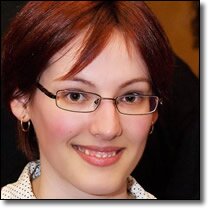
Contact me if you need to rescue a multi-million dollar project. Through FooLab, I helped countless high-profile companies.
Organizer of ConFoo, a multi-technology conference for developers.
Organizer of PHP Quebec, a province-wide User Group where PHP developers learn and socialize.
Speaker at international conferences:
- PyCon in Toronto, Canada
- FrOSCon in St Augustin, Germany
- IPC in Berlin, Germany
- Northeast PHP in Cambridge, Massachusetts
- OSCON in Portland, Oregon
- php|tek in Chicago, Illinois
- ZendCon in Santa Clara, California
- Forum PHP in Paris, France
- I often speak at small local events so don't hesitate to reach out.
Recent comments